
The Deck Builder is here: create your own deck in Sky World
Create, customize, and save your own decks. Choose your Hero, combine characters, and shape your next strategy in Sky World.
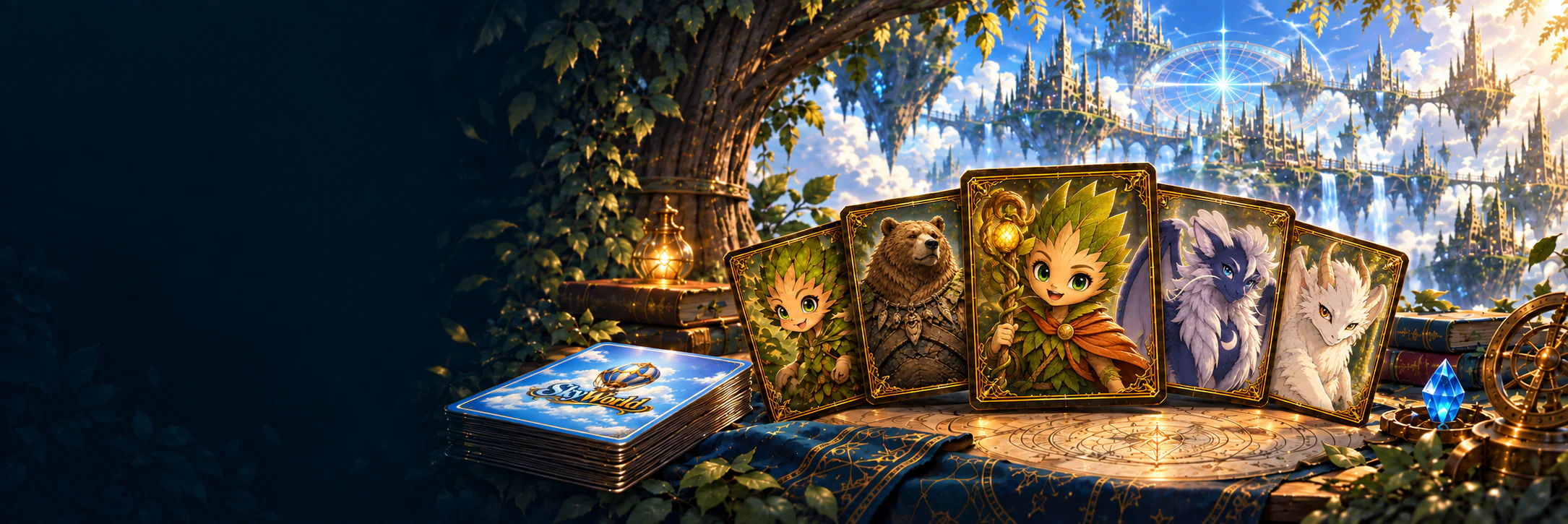
The Deck Builder has arrived in Sky World. The deck editor lets you create your own lists with the cards available in the game, choose a Hero, and adjust the composition until you find a strategy that feels like your own.
Ready-made decks remain a starting point for learning the game. With the Deck Builder, you can also explore other combinations, save drafts, and come back later to refine each choice.
Choose your Hero and build your strategy
Each deck must contain 50 Character cards plus 1 Hero, who does not count toward the 50 cards. You may include up to 4 copies of each Character card. All cards must share the same Insignia, including the Hero. The Insignias are Wishwood and Crown, with the same names in every language. The first Hero or Character added determines the composition's Insignia.
As you build your list, think about the actions you want to connect. Which characters help get your plan started? Which evolutions do you want to prepare? Which abilities could open up a new opportunity during a match? The editor organizes the cards so you can experiment with these combinations.
Find the cards that fit your plan
The collection includes search by name and ability text, plus filters for Essences, stage, Insignia, type, and trigger. You can inspect a card's details and adjust its quantity while keeping track of your deck's composition.
The summary shows your chosen Hero, Insignia, and Character count. The distribution of Essence requirements and the average requirement and consumption help you see how the cards are spread across the list. Validation shows what is still needed to complete the composition.
Save your ideas and share your lists
You can keep up to ten personal decks, name each one, and save drafts before adding all the cards. An idea can start with just a few characters and take shape as you explore the collection.
Sharing by code lets you show a composition to other players. Importing a code creates an independent copy so you can study the list and make your own adjustments.
How to start building your deck
Enter the Sky World Hub and open Decks. Under My decks, start a new composition, choose your Hero, and add Characters. Review the editor's notices, name your list, and save it.
You don't need to get every choice right the first time. Save an idea, compare alternatives, and return to the editor whenever you want to change the composition.
Your next strategy starts here
The Deck Builder makes room for new combinations and your own way to play. Explore the collection, bring together your favorite characters, and share your creations with the Sky World community.